Cachet
Find space you can safely free
See exactly what’s filling your Mac, why it’s there, and whether it’s safe to remove.

Free to scan. Cleaning is one purchase, €4.99. No subscription. macOS 26 or later.
See where your space went
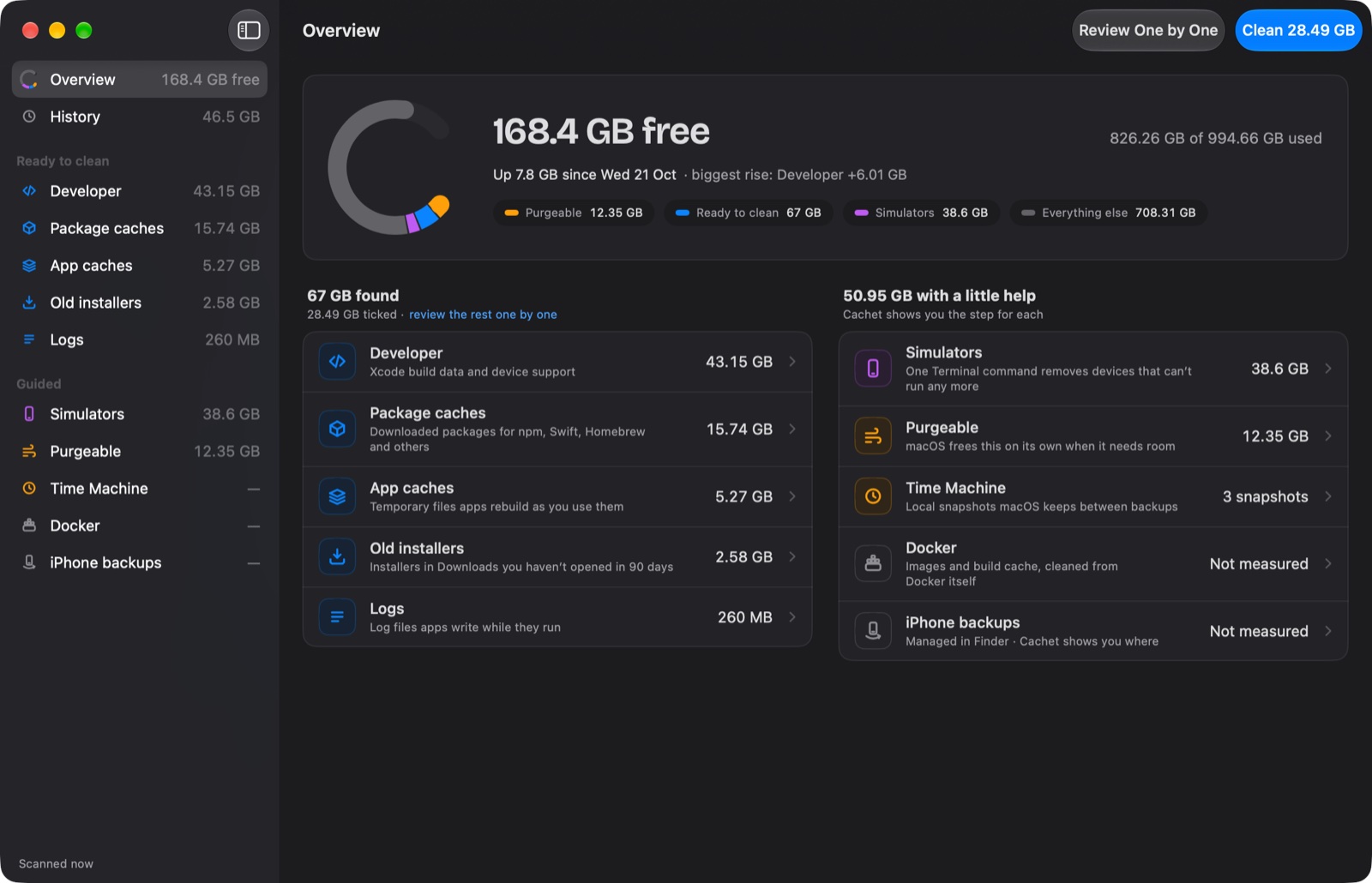
One scan shows how much is free, what’s using the rest, and what you can reclaim right now: Xcode build data, simulator caches, npm, Swift, Homebrew and pip downloads, browser and app caches, logs and old installers.
Know what you’re removing
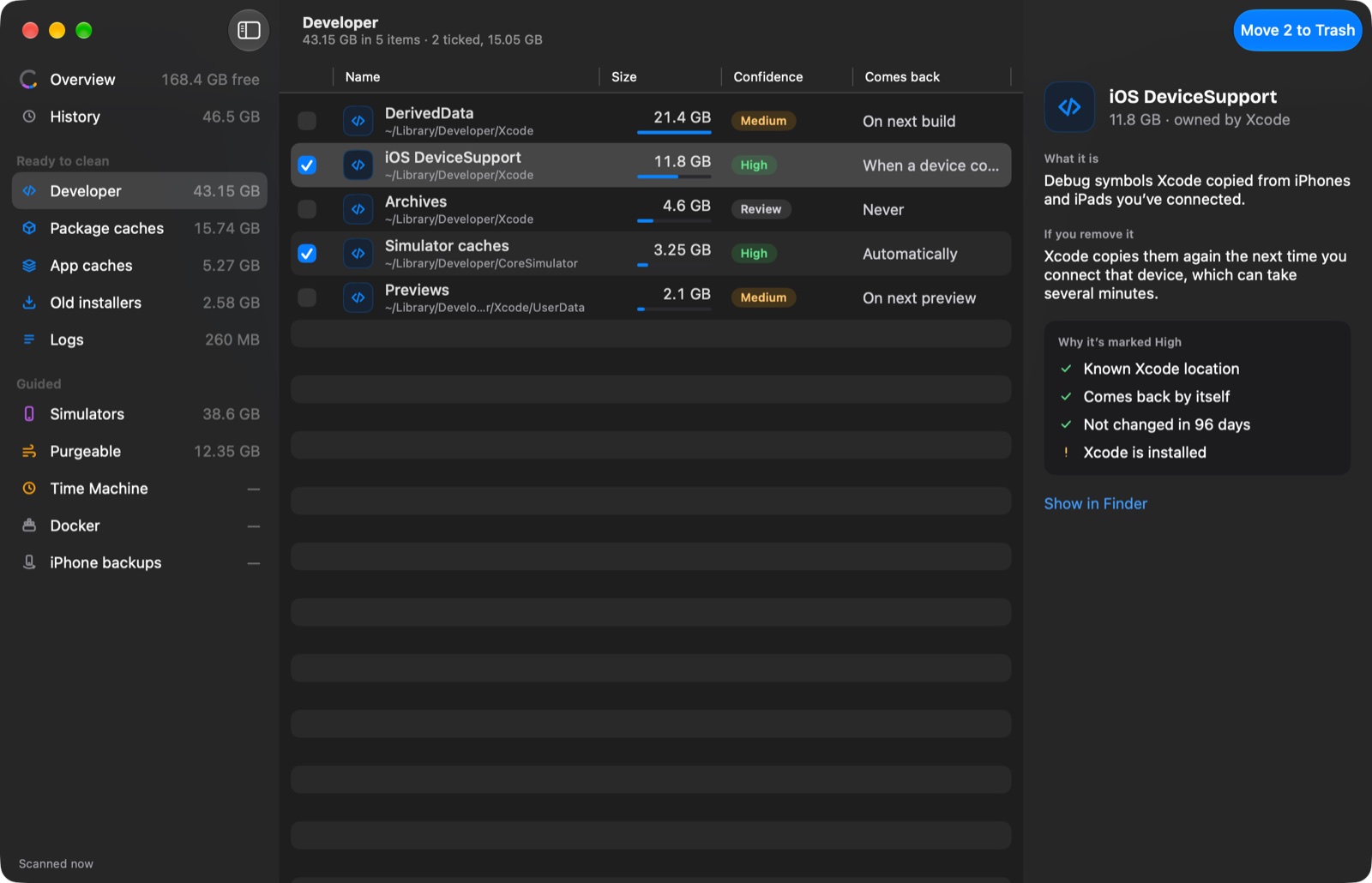
Every item comes with a plain-English explanation: what it is, whether it comes back by itself, and what happens if you remove it. A confidence label shows how sure Cachet is, with the reasons behind it.
Nothing is gone until you say so
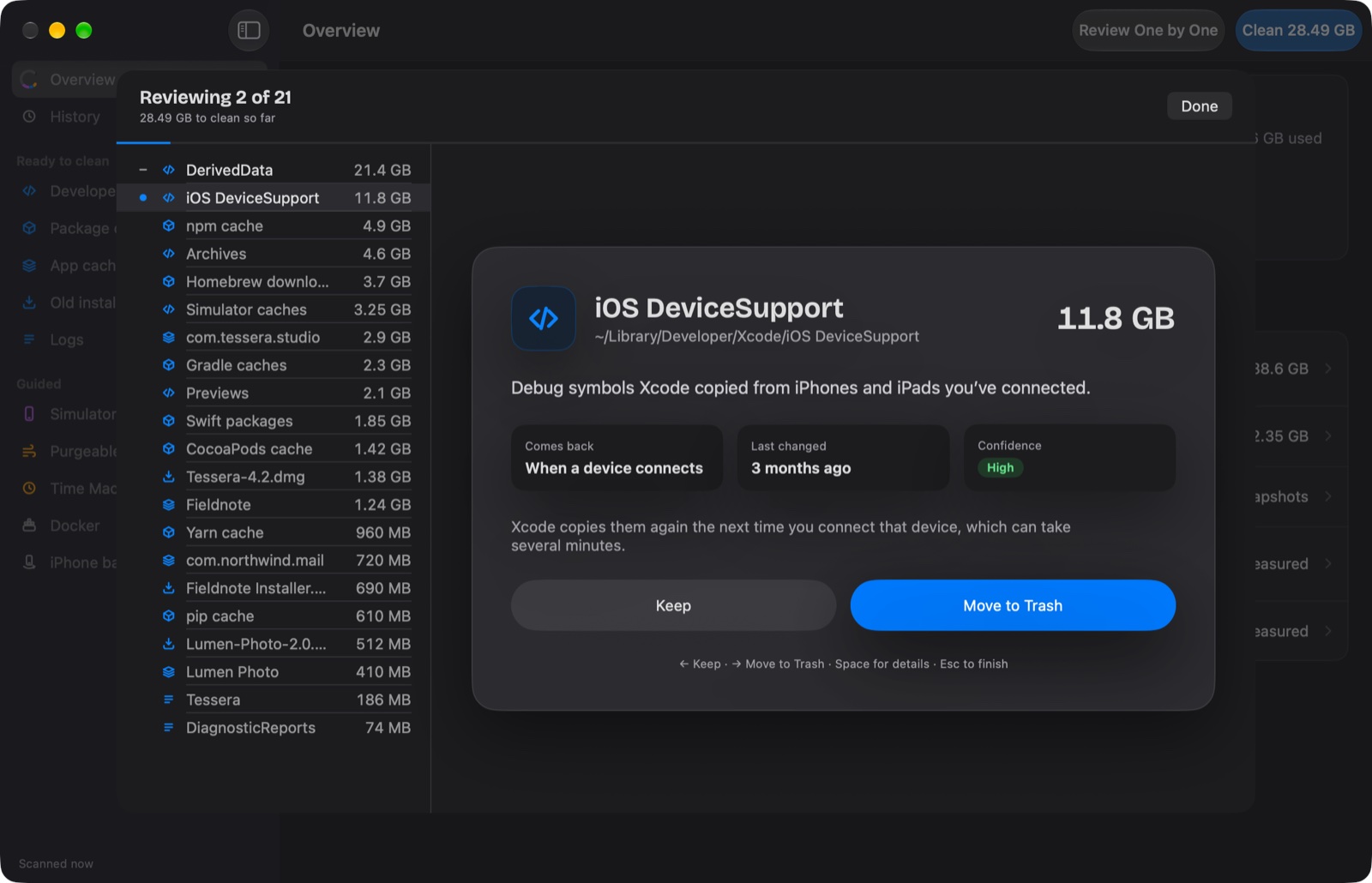
Cachet moves items to the Trash, so you can put anything back from Finder. Nothing is deleted outright.
Help with the big ones
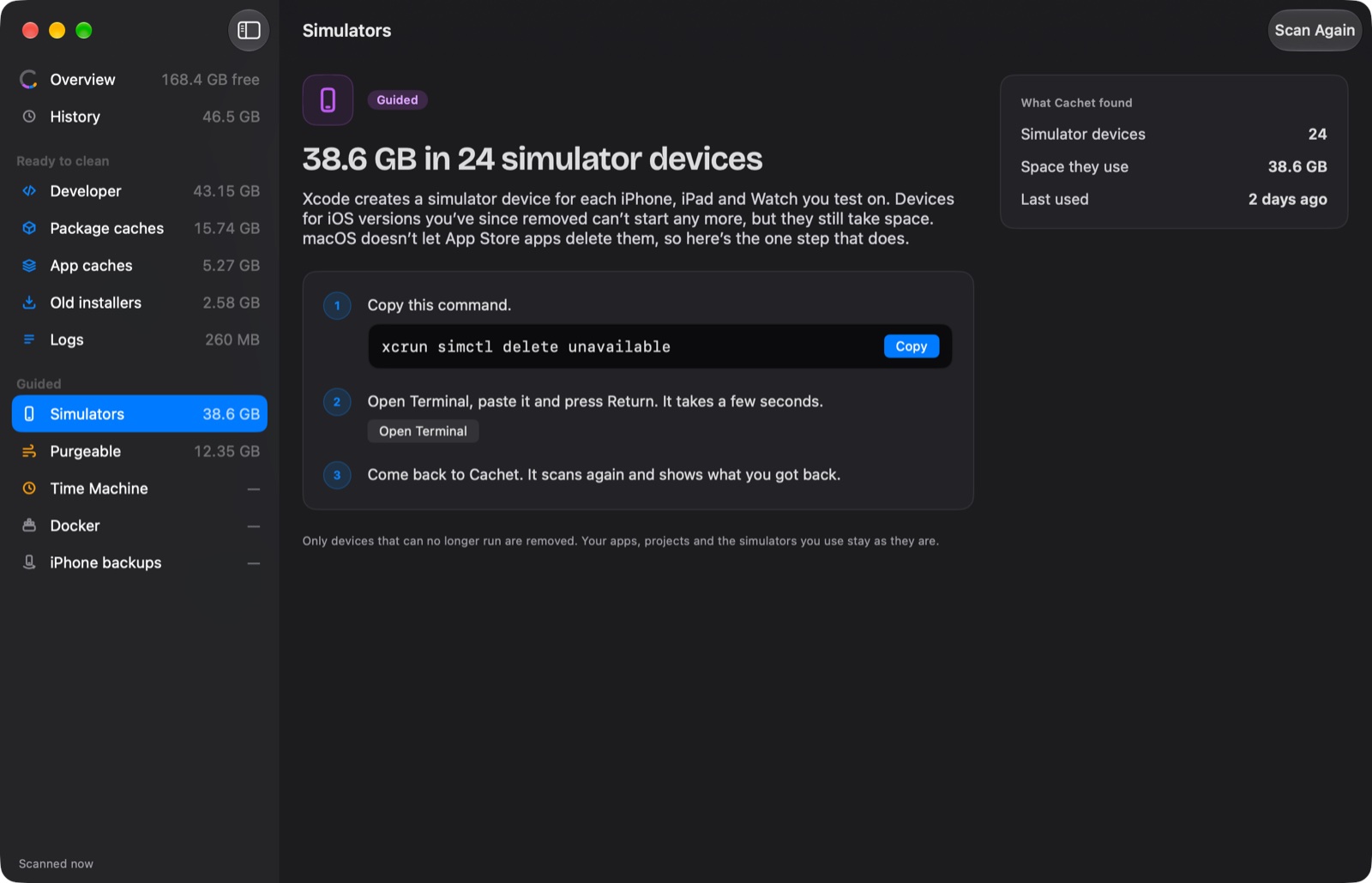
Old simulator devices, Docker images, Time Machine snapshots and iPhone backups can’t be removed by an App Store app. Cachet shows how much space they take and walks you through the exact step that frees it.
Private by design
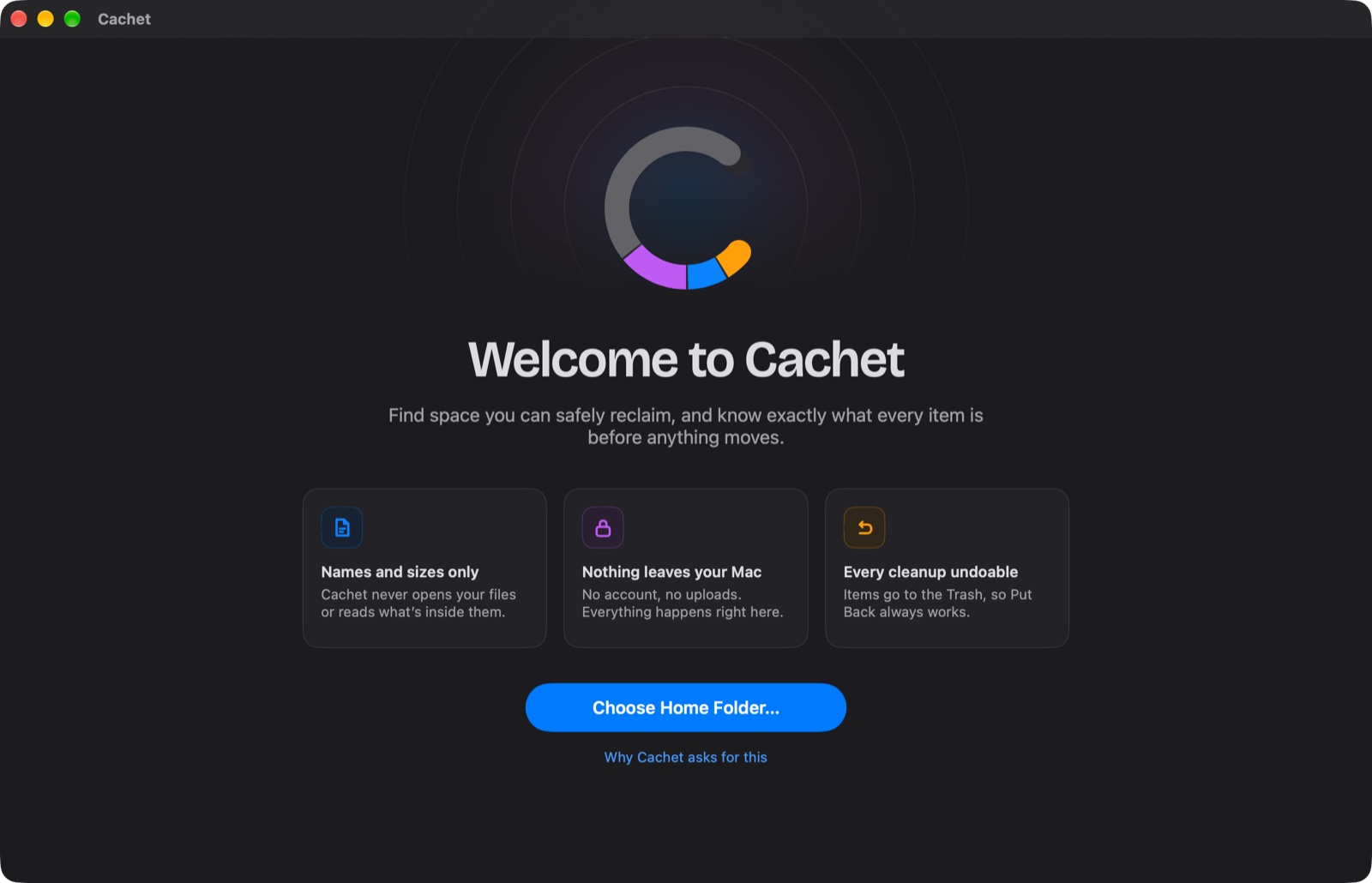
Cachet looks at file names and sizes only, never what’s inside your files. There’s no account, nothing is uploaded, and no data is collected.
Cachet
Find space you can safely free.